I watched a customer spend eleven minutes fighting with a chatbot last week. They just wanted to return a defective product. Simple request. But the bot kept steering them toward troubleshooting steps they’d already tried, offering discount codes they didn’t want, and asking them to rate their experience before actually solving anything.
Eventually they gave up and called. The human agent fixed it in ninety seconds.
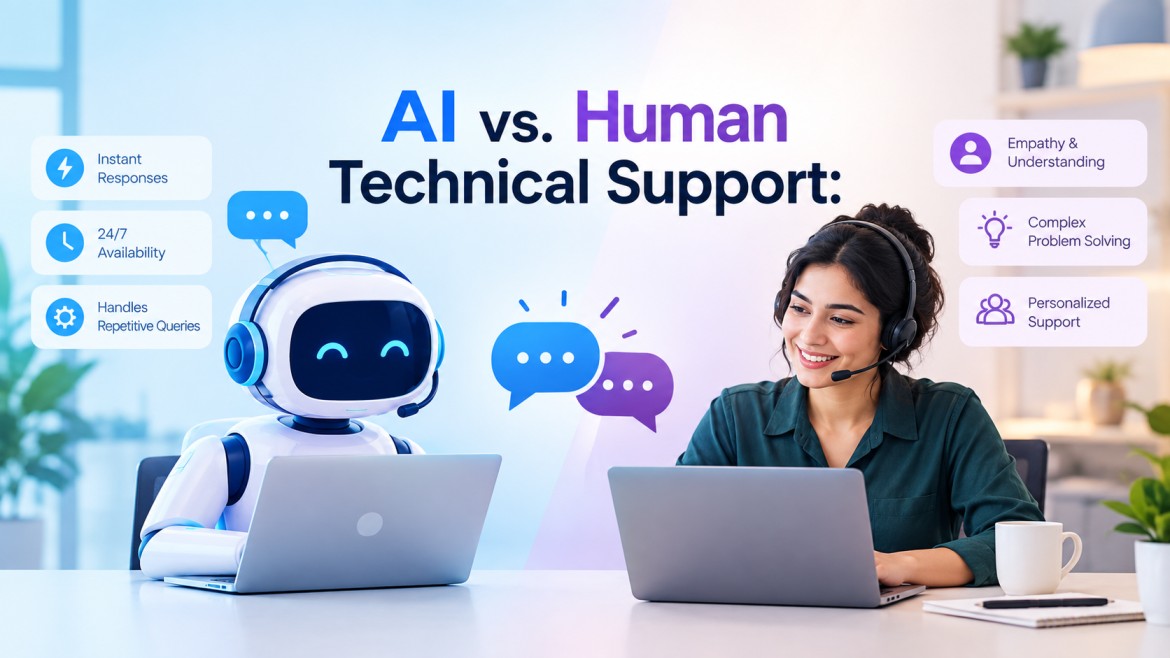
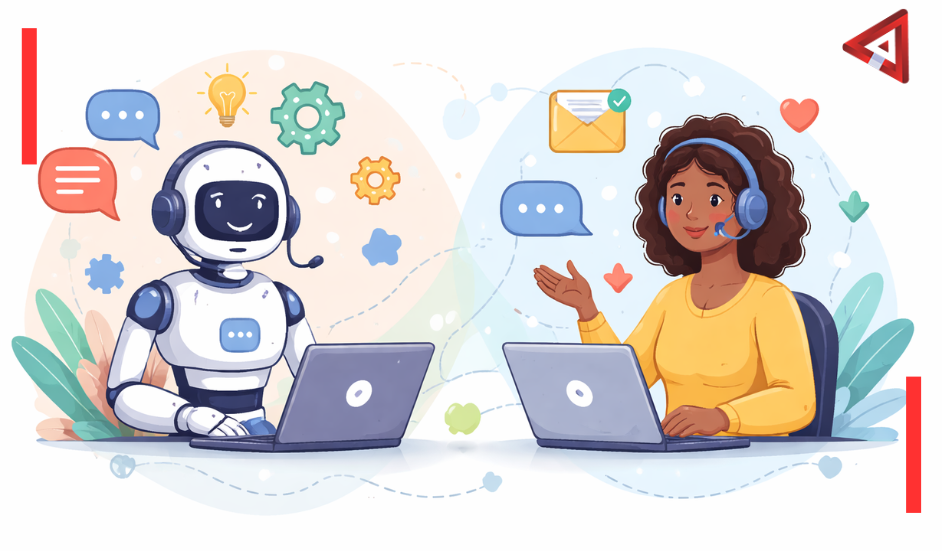
That’s the tension at the heart of modern customer support. Automation can handle repetitive questions instantly and costs a fraction of human support. But it also frustrates the hell out of customers when used in the wrong situations. The companies getting this right aren’t choosing between automation and humans. They’re building hybrid customer support strategies that use both intelligently.
Here’s how to figure out what should be automated, what needs a human touch, and how to build a system that doesn’t make your customers want to throw their phones.
Why Automation Actually Makes Sense
Let’s start with the obvious: customer service automation works really well for certain things. Not everything. But certain things.
Password resets don’t need empathy. Order status checks don’t require judgment. Questions about your business hours don’t benefit from a nuanced conversation with a trained professional. These are informational queries with straightforward answers, and customers often prefer getting them instantly over waiting for a human.
I’ve seen companies reduce their support ticket volume by 60 to 70 percent just by implementing good self-service options for these types of questions. That’s not because they’re forcing customers into bad experiences. It’s because most people genuinely prefer clicking a button to reset their password over explaining the situation to a support agent.
What Automation Handles Best
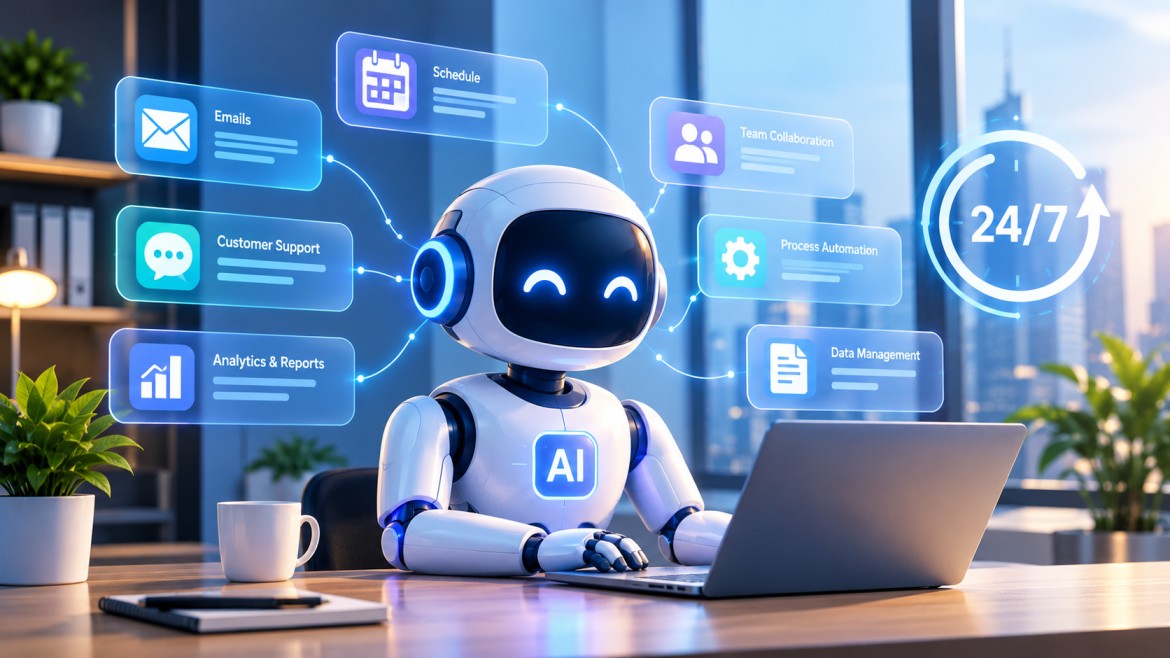
Automation excels at repetitive, high-volume questions where the answer doesn’t change based on context. Think about:
- Account access issues (password resets, username recovery)
- Status updates (order tracking, delivery estimates, payment confirmations)
- Basic information (hours, locations, policies, pricing)
- Simple troubleshooting (restart the device, clear your cache, check your connection)
- FAQ-type questions that come up repeatedly
These don’t require creativity or emotional intelligence. They require speed and accuracy. Automation delivers both.
The cost difference matters too. A human support agent handles maybe 20 to 30 tickets per day, depending on complexity. An automated system handles thousands. For a company receiving 10,000 support requests monthly, the math gets compelling fast.
But here’s where companies mess up. They see those numbers and think “let’s automate everything.” That’s when things fall apart.
When You Absolutely Need a Human
Some situations require human judgment, empathy, and flexibility. No amount of sophisticated AI changes this, at least not yet.
Angry customers need humans. Not because automation can’t generate apologetic language (it can), but because frustrated people need to feel heard by someone who actually understands their frustration. A chatbot saying “I understand this must be frustrating” doesn’t land the same way as a person saying it. You can hear the difference.
The Human-Essential Categories
Keep humans in the loop for:
- Emotionally charged situations: Complaints, frustration, anger, disappointment. These need de-escalation skills and genuine empathy.
- Complex technical problems: Issues requiring diagnostic thinking, multiple steps, or creative solutions.
- Judgment calls: Refund requests, exception requests, account issues that fall outside standard policies.
- High-value customers: VIP accounts, enterprise clients, anyone whose relationship matters strategically.
- Sensitive topics: Billing disputes, data privacy concerns, account security issues, anything involving money or personal information.
I worked with a SaaS company that automated their billing support. Seemed logical. Most billing questions are straightforward. But they didn’t account for the fact that many billing inquiries are actually complaints disguised as questions. “Why was I charged?” often means “I don’t think I should have been charged, and I’m upset about it.”
Their automated system would explain the charge, cite the terms of service, and consider the ticket resolved. Customers felt dismissed. Churn went up. They eventually routed all billing inquiries to humans first, with automation only handling the truly informational ones after human review.
The Nuance Problem
Humans excel at reading between the lines. A customer might ask “How do I cancel my subscription?” when what they really mean is “I’m not getting value from this, but I’m open to alternatives if you can help me.”
A good support agent catches that and responds differently than if someone just wants to cancel and move on. Automation misses these subtleties. It takes the question literally and provides cancellation instructions, potentially losing a customer who actually wanted to stay.
There’s no perfect answer here. You can’t route every question to a human just in case there’s hidden nuance. But you can design systems that recognize when automation isn’t working and escalate appropriately.
How to Actually Build a Hybrid System That Works
The goal isn’t picking sides between automation and humans. It’s using each for what it does best. That requires thoughtful design, not just slapping a chatbot on your website and hoping for the best.
Start With Clear Categorization
Map out your incoming support requests. Most companies find that 70 to 80 percent fall into a handful of repetitive categories. Those are your automation candidates.
The remaining 20 to 30 percent are varied, complex, or emotionally charged. Route those to humans from the start, or at least make the path to human support obvious and frictionless.
Use AI to categorize incoming requests, but don’t let it make final decisions about complex issues. Think of automation as a triage system. It handles the simple stuff and identifies what needs escalation.
Design Intelligent Escalation Paths
The most important part of any hybrid support model is the escalation path. When should automation hand off to a human? How does that handoff work? What context gets transferred?
Good escalation triggers include:
- Automation fails to resolve the issue after two or three attempts
- Customer explicitly requests human support
- Sentiment analysis detects frustration or anger
- Question type is flagged as requiring human judgment
- Customer is high-value or at-risk for churn
When escalation happens, the human agent should see everything. Chat history, previous tickets, account details, what the automation already tried. Nothing’s worse than making a frustrated customer repeat themselves to a human after they’ve already explained the problem to a bot.
Give Customers Control
Some people love chatbots. Some people hate them. Let customers choose when possible.
Offer self-service options prominently for those who prefer them. But also make it easy to reach a human without jumping through hoops. A “talk to a person” button shouldn’t be hidden behind six menu layers.
I’ve seen companies bury their human support contact options because they’re afraid of being overwhelmed with requests. That’s backwards thinking. If your automation is good, most people won’t bypass it unless they actually need human help. And those who do bypass it probably have good reasons.
The Mistakes That Kill Hybrid Support
Most failures in automated vs human customer service come down to a few predictable mistakes.
Making It Impossible to Reach a Human
This one’s infuriating. You get stuck in an automation loop, can’t find a way out, and end up screaming “REPRESENTATIVE” at your phone like a crazy person. (Just me? Probably not.)
Companies do this intentionally to reduce support costs. But the long-term cost of frustrated customers usually exceeds the short-term savings. People remember bad support experiences and tell others about them.
Over-Automating Edge Cases
Automation works great for the 80 percent of questions that fit standard patterns. It works terribly for the 20 percent that don’t. Trying to automate those edge cases leads to complex decision trees that still fail most of the time.
Better approach: recognize edge cases early and route them to humans immediately. Yes, it costs more per ticket. But those are often the most important tickets to get right.
Not Training the Automation Properly
I’ve tested chatbots that couldn’t handle basic variations in phrasing. Ask “What are your hours?” and it works perfectly. Ask “When do you close?” and it has no idea what you’re talking about.
Good automation requires ongoing training with real customer language, not just technical specifications. Use your actual support tickets to train the system. Monitor where it fails and improve those areas continuously.
Forgetting to Update Automation
Your policies change. Your products change. Your automation needs to keep up.
There’s nothing quite like a chatbot confidently providing outdated information. Customers notice. And they lose trust not just in the bot but in your company.
How to Know If Your Hybrid Strategy Actually Works
You can’t improve what you don’t measure. Track these metrics to understand whether your hybrid approach is working:
Automation resolution rate: What percentage of automated interactions resolve the issue without escalation? Aim for 60 to 80 percent for simple query types. If it’s lower, your automation needs work. If it’s higher, you might be frustrating customers who need human help.
Time to resolution: How long does it take to fully resolve issues across both automated and human channels? Automation should be near-instant for simple queries. Human resolution times matter more for complex issues where speed matters less than quality.
Customer satisfaction by channel: Are customers happier with automated interactions or human ones? The answer depends on issue type. Self-service should score high for simple questions. Human support should score high for complex ones. If either scores low, dig into why.
Escalation patterns: Where does automation fail most often? Those are opportunities to either improve automation or route those types of questions to humans from the start.
Cost per resolution: Track this separately for automated and human support. The goal isn’t minimizing cost at all costs (terrible support kills businesses), but understanding the trade-offs helps with resource allocation.
Where This Is All Heading
AI is getting better at handling nuance and emotion. Language models can now detect frustration, adjust tone, and even handle some judgment calls that previously required humans.
But we’re not at a point where automation can replace human support entirely, and we probably won’t be for a while. The companies succeeding with customer support aren’t trying to eliminate humans. They’re using automation to handle volume so humans can focus on situations that actually benefit from human skills.
That balance will shift over time as technology improves. What requires a human today might be automatable in three years. What seems automatable today might prove more complex than expected and stay human.
The key is building flexible systems that can adapt as capabilities change, rather than committing fully to one approach and hoping it ages well.
Common Questions About Hybrid Customer Support
What customer support tasks should be automated?
Automate repetitive, high-volume questions with clear answers: password resets, order status checks, business hours, basic troubleshooting, account balance inquiries, and FAQ-type questions. These don’t require judgment or empathy and customers often prefer instant self-service for them.
When should customer support stay human?
Keep humans for angry or frustrated customers, complex technical problems, complaints, requests for refunds or exceptions, situations requiring judgment calls, and anything emotionally charged. These situations need empathy, flexibility, and the ability to read between the lines.
How do you build a hybrid customer support model?
Start with automation for simple, repetitive queries and clear escalation paths to humans. Use AI to categorize incoming requests, route them appropriately, and handle straightforward issues. Keep human agents available for complex situations and train them to recognize when automation isn’t working for a specific customer.
What’s the biggest mistake with automated customer service?
Making it impossible to reach a human. Customers get frustrated when they’re stuck in automation loops with no escape. Always provide a clear, accessible path to human support, especially when automation fails to resolve the issue after two or three attempts.
How much can automation reduce customer support costs?
Well-implemented automation typically handles 60 to 80 percent of simple inquiries, reducing support costs by 30 to 50 percent while improving response times. However, the remaining 20 to 40 percent of complex issues still need skilled human agents, and trying to automate those usually backfires.
Should chatbots admit they’re not human?
Yes. Transparency builds trust. Customers appreciate knowing whether they’re talking to a bot or a person. It helps set expectations and reduces frustration when the bot can’t handle complex requests. Good automation is upfront about its limitations.
How do you train support agents to work alongside automation?
Focus their training on complex problem-solving, empathy, and situations requiring judgment. They should understand what automation handles so they can pick up where it leaves off. Train them to recognize when a customer needs to vent versus when they need a solution, and how to leverage automation tools to resolve issues faster.
Getting the Balance Right
The question isn’t whether to automate customer support. Most companies need some level of automation to handle volume efficiently. The question is where to draw the line between what machines handle and what humans handle.
Get it right, and you reduce costs while improving customer satisfaction. Automation handles the repetitive stuff instantly, freeing humans to focus on situations that actually benefit from human judgment and empathy.
Get it wrong, and you frustrate customers, damage relationships, and potentially spend more on support (through churn and negative word-of-mouth) than you save through automation.
The companies doing this well treat it as an ongoing optimization challenge rather than a one-time decision. They measure constantly, adjust based on results, and stay flexible as both technology and customer expectations evolve.
If you’re building or improving your support strategy and want expert guidance on implementing automation that actually enhances the customer experience,Voxtend specializes in designing hybrid customer support systems that balance efficiency with genuine human connection.
The goal isn’t choosing between automation and humans. It’s using both intelligently to create support experiences customers actually appreciate.

 More News