Last month I called my bank about a charge I didn’t recognize. The chatbot asked me to describe the problem. I typed “fraudulent charge” and it immediately started walking me through their standard fraud process. Except the charge wasn’t fraud. It was a pre-authorization that looked weird, and I just needed someone to explain what it meant.
Five minutes of fighting with the bot later, I finally got transferred to a person who sorted it out in 30 seconds. The whole experience felt broken, not because the AI was bad at what it did, but because nobody seemed to recognize that what I needed was explanation, not a fraud investigation.
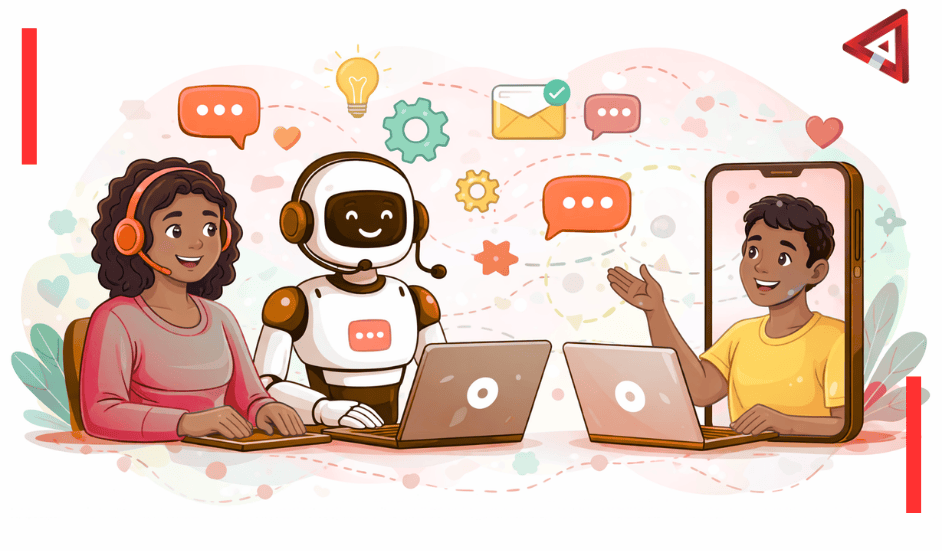
This is why hybrid virtual assistants matter. Not AI replacing humans. Not humans doing everything manually. Both working together, with each handling what they’re actually good at. By 2026, that’s what customer support increasingly looks like.
Table of Contents
- Why Pure AI Support Hit a Wall
- What Hybrid Actually Means in Practice
- How Humans and AI Learn From Each Other
- What Customers Actually Care About
- Which Industries Are Getting This Right
- The Truth About What Happens to Support Teams
- What Makes Some Hybrid Systems Work While Others Don’t
- Common Questions About Hybrid Virtual Assistants
Why Pure AI Support Hit a Wall
We’ve all been there. Stuck in a loop with a chatbot, trying to resolve something that should be simple. The bot keeps steering you toward answers that don’t match your actual problem. The frustration builds with each irrelevant response.
Pure AI support systems face a fundamental limitation, regardless of how sophisticated they become. They struggle with emotional nuance. Sarcasm trips them up. They can get the facts right while completely missing what the person actually needs.
Language gets processed accurately. Context stays out of reach. That gap between words and meaning erodes trust, one missed interaction at a time.
I’ve watched companies pour resources into better AI training, thinking the solution is smarter bots. But there’s a ceiling to what pattern matching can do when the real work involves reading between the lines, understanding frustration, or knowing when someone just needs reassurance rather than a solution.
The Human-Only Problem
On the flip side, having humans handle every request creates its own issues. Costs climb steeply as you scale. Wait times increase during busy periods. Support agents burn out answering identical questions repeatedly. Something had to change.
The realization that hit the industry wasn’t “AI or humans.” It was “AI and humans, each doing what they’re actually good at.”
What Hybrid Actually Means in Practice
Here’s where it gets interesting. Not every system that claims to be hybrid actually is. Some are just weak chatbots with a “talk to a human” button buried at the bottom. That’s not hybrid. That’s just bad automation with an escape hatch.
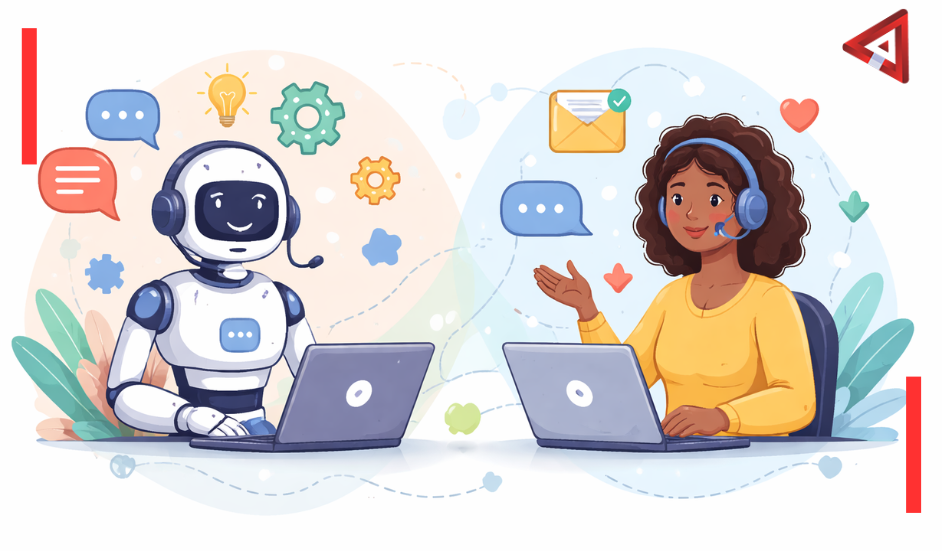
Real hybrid virtual assistant systems work differently. AI handles routine queries while a human monitor watches the conversations in real-time, ready to jump in the moment things get complex or emotional.
Warm Escalation
The handoff happens seamlessly. When confusion rises or emotions run high, control passes smoothly to a human agent who already has full context from the AI conversation. The customer doesn’t repeat themselves. The agent doesn’t ask for information that was already provided.
Some call this “warm escalation,” which fits. It’s not like being transferred cold to someone who has no idea what you’ve been talking about. It’s like a relay race where the baton gets passed cleanly.
AI-Assisted Human Responses
There’s another pattern worth mentioning. Human agents getting real-time suggestions from AI while they type. The agent reviews the AI’s draft response, adjusts the tone, maybe adds context only a human would catch, then sends it. This speeds up responses without sounding robotic.
I’ve talked to support agents using these systems. They describe it as having a really fast, really thorough coworker who pulls up relevant information instantly but still needs human judgment on how to present it. The collaboration feels natural once people get used to it.
How Humans and AI Learn From Each Other
Most people miss how hybrid systems improve over time. When a human steps in to correct an AI response or handle a situation differently, that’s not just solving one problem. It’s training data.
Each correction feeds back into the system. The conversations that tripped up the AI become examples it learns from. Gradually, situations that required human intervention start getting handled automatically. The machine adapts, slowly but measurably.
This creates a different dynamic than static automation. Old scripted bots stayed exactly as programmed. Systems using modern language models that learn continuously get better each time people interact with them. The knowledge flows both ways.
The Compound Effect
When AI handles routine tasks, humans have time to develop deeper expertise. When humans handle complex situations, AI learns new patterns. Each strengthens the other’s capabilities. The improvement happens quietly but consistently.
From a business perspective, this matters. It’s not just about buying another tool. It’s about creating a system that becomes more valuable over time rather than degrading as the exceptions pile up.
What Customers Actually Care About
Research consistently shows something interesting. Most customers don’t particularly care whether they’re talking to AI or a human. What they care about is getting answers quickly and being treated with respect.
Speed matters. Being heard matters more. Feeling like you’re not wasting your time matters most.
A hybrid approach delivers both. Speed comes from AI that never sleeps and can handle thousands of conversations simultaneously. Respect and understanding come from humans who step in when the situation demands it.
The Seamless Experience
Nobody wants to be stuck with a broken chatbot that can’t solve their problem and won’t let them reach a human. That’s the experience hybrid systems are designed to prevent. When done well, the transition between AI and human happens so smoothly customers often don’t notice which they’re talking to at any given moment.
The key is the AI knowing when to step aside. Not every question needs human judgment. But the ones that do need it immediately, not after ten minutes of frustration.
Which Industries Are Getting This Right
Healthcare provides compelling examples. AI handles appointment scheduling, insurance verification, prescription reminders. But when someone starts describing symptoms or expresses anxiety about test results, humans need to be in that conversation. Period.
Some medical practices now use hybrid systems where AI manages the administrative flow while humans monitor for any sign that the conversation needs a personal touch. Patient satisfaction scores show they notice the difference.
Financial Services
Banking and finance benefit significantly from hybrid approaches. Balance inquiries, transaction history, fraud alerts? AI handles these easily and instantly. Loan applications, billing disputes, financial planning discussions? Those need human judgment and empathy.
The split makes intuitive sense. Anything that’s purely informational can be automated. Anything involving decisions, especially decisions about money, needs a person who can understand context and nuance.
E-Commerce Leads Adoption
Retail jumped on this early and for good reason. E-commerce faces massive volumes of repetitive questions. “Where’s my order?” “How do I return this?” “What’s your refund policy?” AI handles the bulk of these, freeing humans to deal with the genuinely complicated cases.
Companies using hybrid systems report handling 3 to 4 times more support volume with the same number of human agents, while customer satisfaction scores either stay level or improve. That’s not a small advantage.
The Truth About What Happens to Support Teams
Here’s the question everyone dances around: what happens to human support staff when hybrid systems take over routine work?
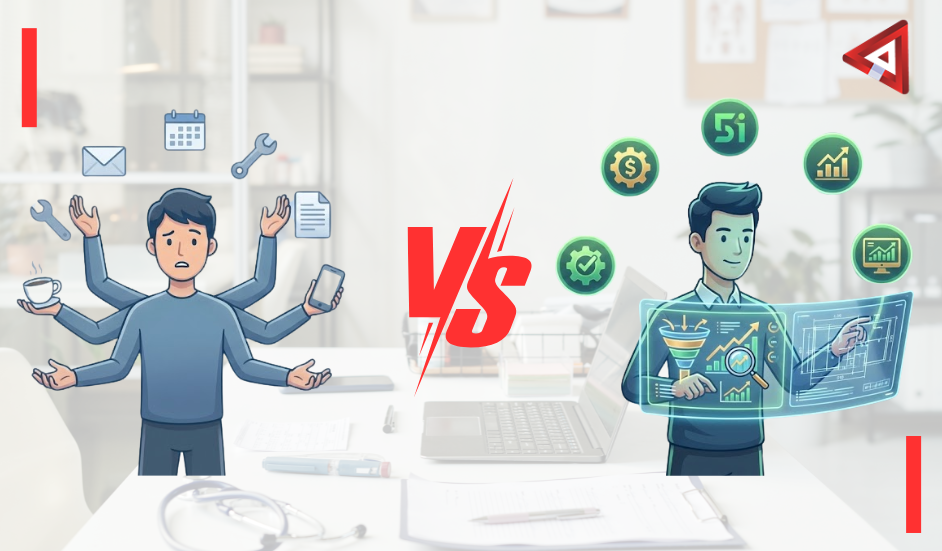
The honest answer: fewer agents are needed for basic inquiries. That’s just reality. But within hybrid setups, the humans who do remain handle work that requires more skill and often feels more meaningful. They’re not trapped repeating the same answers all day. They’re solving complex problems and building genuine relationships with customers.
New Roles Emerge
Something else is happening that’s less discussed. A new type of role is emerging: people who understand how AI systems work, can identify where responses fall short, and can guide the model’s learning. These hybrid support specialists are part customer service agent, part AI trainer.
I’ve talked to several people in these roles. They describe the work as more intellectually engaging than traditional support, with a clearer sense of impact since their corrections improve the system for everyone.
The work shifts. It doesn’t vanish. But pretending the shift won’t affect staffing levels would be dishonest. Organizations implementing hybrid systems need realistic transition plans for their teams.
What Makes Some Hybrid Systems Work While Others Don’t
Not all attempts at blending AI and human support succeed. What separates the systems that work from those that frustrate everyone?
Seamless handoffs without information loss. Customers shouldn’t need to repeat themselves when transitioning from AI to human. Consistent tone across both channels. And critically: the AI must be transparent about its limitations rather than bluffing.
Common Failure Points
Most breakdowns happen when the transition between AI and human feels clunky. Sometimes it’s because cost-cutting took priority over proper implementation. Training gaps show up fast. Insufficient monitoring means problems go unnoticed.
Creating effective AI and human collaboration requires investment in infrastructure, training, and ongoing refinement. Companies that treat it as “buy software, problem solved” typically end up with systems that frustrate both customers and support staff.
The Infrastructure Behind Smooth Handoffs
Technical details matter here. The human agent interface needs to show them exactly where the AI conversation is, what’s been tried, what the customer’s sentiment seems to be. Without that context immediately visible, agents waste time catching up or, worse, make customers repeat everything.
Response time matters too. If the AI recognizes it should escalate but the handoff takes five minutes, you’ve lost the benefit. Real-time monitoring and rapid human availability are non-negotiable for systems that actually work.
Common Questions About Hybrid Virtual Assistants
What are hybrid virtual assistants?
Hybrid virtual assistants combine AI automation with human support agents working together in real-time. AI handles routine queries while humans monitor conversations and step in when situations require empathy, judgment, or complex problem-solving. The handoff between AI and human happens seamlessly, often without customers noticing.
Why did pure AI support systems fail?
Pure AI systems struggle with emotional nuance, sarcasm, and understanding context beyond literal words. They process language accurately but miss the real need behind customer requests. This gap erodes trust over time, leaving customers frustrated even when the AI provides technically correct information.
How do hybrid virtual assistants improve customer experience?
They deliver speed through AI automation for simple queries, combined with human empathy and judgment for complex situations. Customers get instant responses when appropriate and personal attention when needed, without the frustration of being trapped in bot loops or long wait times for human agents.
What happens to human support staff with hybrid systems?
Roles shift rather than disappear. Human agents handle fewer routine questions but focus on more complex, meaningful interactions that require emotional intelligence and creative problem-solving. New roles emerge around training AI systems and managing the hybrid workflow.
Which industries benefit most from hybrid virtual assistants?
Healthcare, financial services, and e-commerce see significant benefits. Healthcare uses AI for scheduling while humans handle medical concerns. Financial services automate balance checks but use humans for loan discussions. E-commerce handles high-volume routine questions with AI, escalating complex issues to people.
What makes a hybrid virtual assistant system work well?
Seamless handoffs between AI and humans without requiring customers to repeat information. Consistent tone across both channels. Clear recognition by the AI when it should escalate to a human. Proper training and infrastructure that supports smooth collaboration between automation and people.
How do hybrid systems learn and improve over time?
When humans correct AI responses or handle situations differently, that becomes training data. Each intervention teaches the AI new patterns. Over time, situations that required human help start getting handled automatically, while humans develop deeper expertise in truly complex scenarios. The learning flows both directions.
Are customers comfortable with hybrid virtual assistants?
Research shows most customers don’t care whether they’re talking to AI or humans, as long as they get quick, respectful help. When hybrid systems work well, the transition is smooth enough that customers often don’t notice which they’re interacting with at any moment. What matters is solving their problem efficiently.
What Support Looks Like Going Forward
By 2026, most companies handling customer support will use some form of hybrid approach. The question won’t be whether to combine AI with humans, but who’s doing it well and who’s not. The difference between good implementation and poor implementation is what will determine customer loyalty and operational efficiency.
What stands out isn’t speed or scale. It’s how natural the help feels. AI handles routine steps efficiently. Humans step in when things get unclear or emotional. This combination works better than either could alone.
The best support doesn’t announce itself. It doesn’t make customers think about whether they’re talking to AI or a person. It just understands when to keep the conversation automated and when to pass it to someone who can read between the lines.
Organizations that get this right create something competitors struggle to match. Not because the technology is proprietary, but because the integration, training, and operational discipline required to make it work smoothly take time to develop and refine.
If you’re considering how hybrid virtual assistants could improve your customer support operations,Voxtend specializes in implementing hybrid virtual assistant solutions that balance automation with genuine human connection. Our suite of VA services covers all aspects of hybrid virtual assistance, ensuring your business gets the support it needs regardless of size or complexity. With round-the-clock availability, Voxtend is your partner in building customer support that actually works. Contact us today to explore how our services can transform your customer experience.